
Enabled or disabled of the function is switched and the login page name after the change is set.
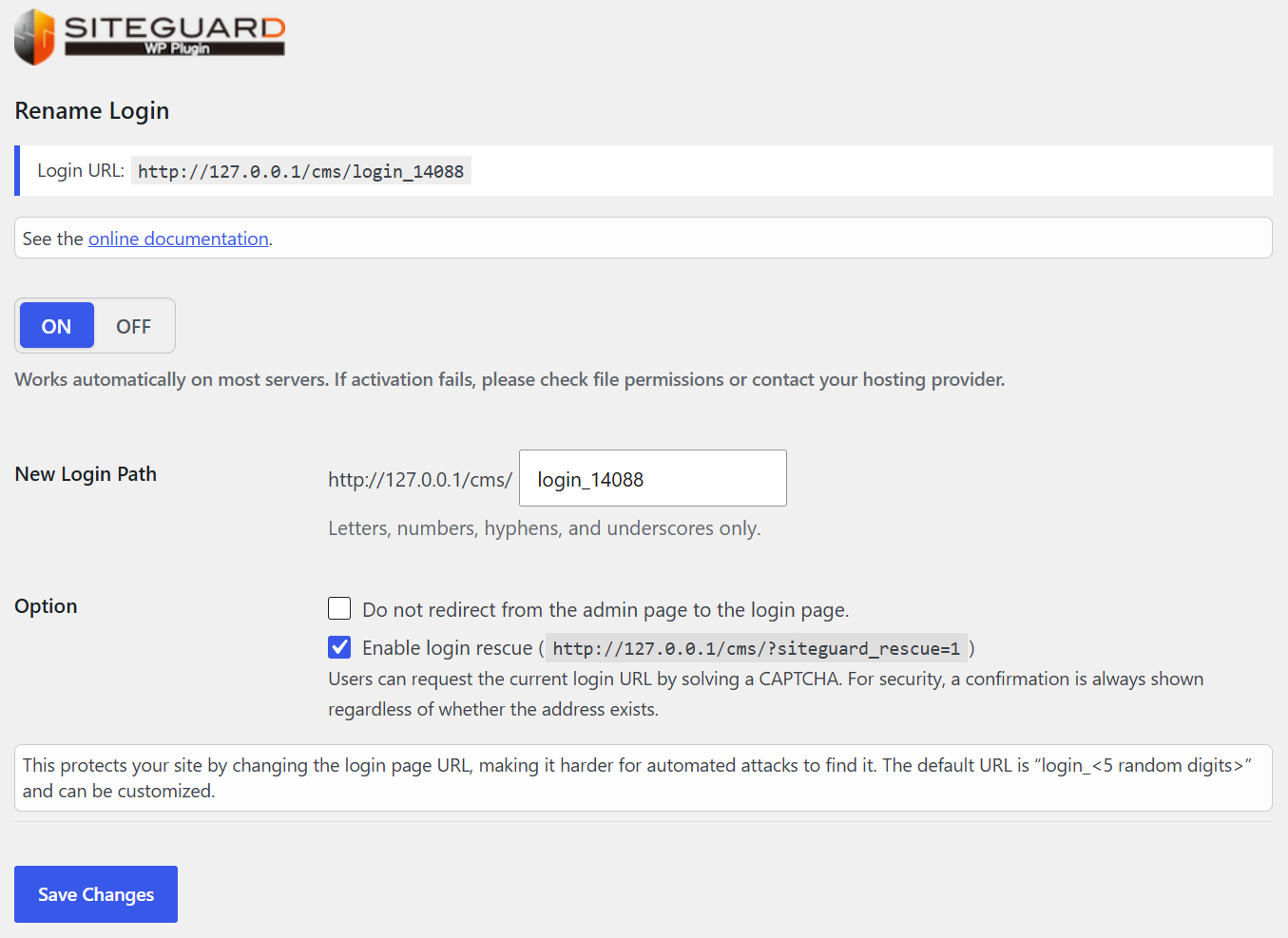
Enabled (ON) or disabled (OFF) is switched. The default is enabled.
The login page name after the change is set. Set the name not easily expected.
An alphanumeric character, a hyphen, and an underbar can be used.
The name “login_<5 random digits>” is set by default.
If you check “Do not redirect from the admin page to login page”, if you access /wp-admin/ without logging in, you will be redirected to the top page instead of the changed login page. Versions prior to 1.6.0 returned 404 Not Found.
Login URL Rescue
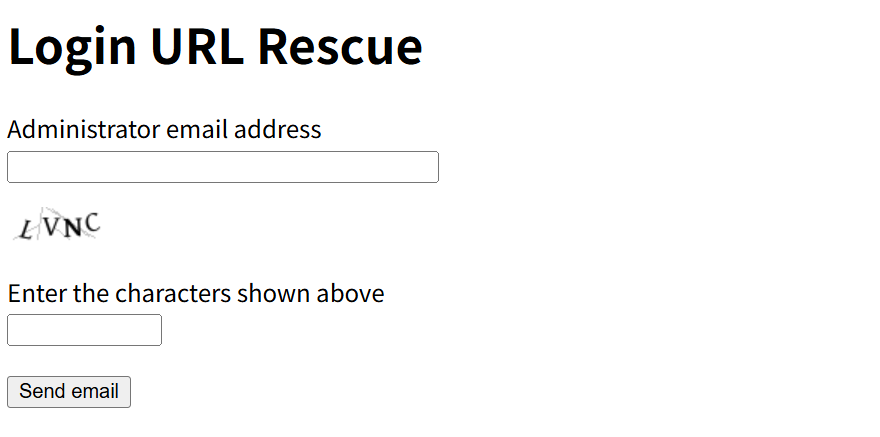
By using the Login URL Rescue feature, you can receive your updated login URL via email.
- Access
/?siteguard_rescue=1to display the Login URL Rescue screen. - Enter your email address and the image verification (CAPTCHA).
- Click "Send Email."
- Important Note: The email will only be sent to the email address registered as an administrator in WordPress.
- Security Lock: Please note that the feature will be locked if attempted 3 or more times within a single hour.
To store the setting content, click the “Save Changes” button.